Kakobuy caps from the front and the side
A cap that looks low in a product photo can read much taller above an open collar. Compare the front and side profiles with your everyday jacket before you save a new cap to a Kakobuy spreadsheet.
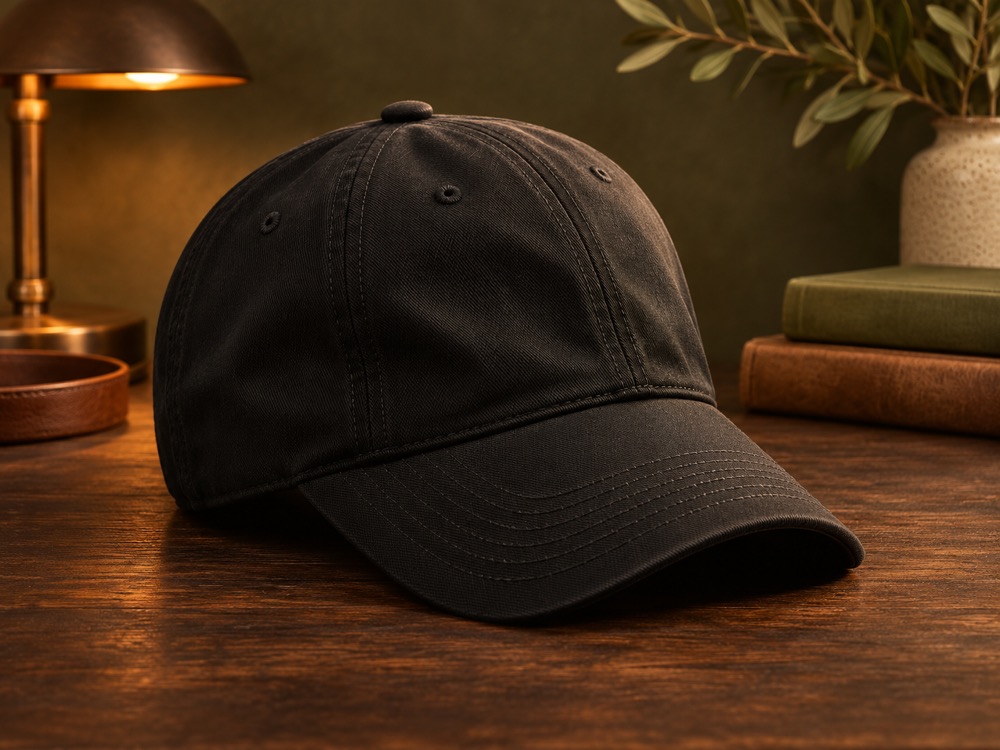
Use two angles at eye level
Try a relaxed cap with a curved brim and a structured cap with a flatter brim. Take one photo at eye level from the front and one from the side. Keep your hair, jacket and camera position the same. The front shows how wide the brim appears beside your face. The side shows how the crown and collar sit in relation to each other.
Repeat the side photo with the jacket collar up. A low crown can make this silhouette simpler. A structured crown can balance a wider shoulder or a heavy collar. Use the photos to see which effect you like with the layers you already own.
Separate the cut from the photographer’s angle
A listing shot from below can make the crown look taller, and a closer phone camera can make the brim look wider. Look for a side view taken at the cap’s midpoint. Notice the side panel seam and the angle between the brim and the front panel.
Save one profile photo beside a note such as ‘soft crown / curved brim / short jacket collar’. Keep the visual preference separate from the size check. Head circumference and closure range still matter even when you already know which shape you want.